
Getting Started
Welcome to DintCast – the refreshingly simple and intuitive podcast player designed exclusively for your Mac.
Add Podcast
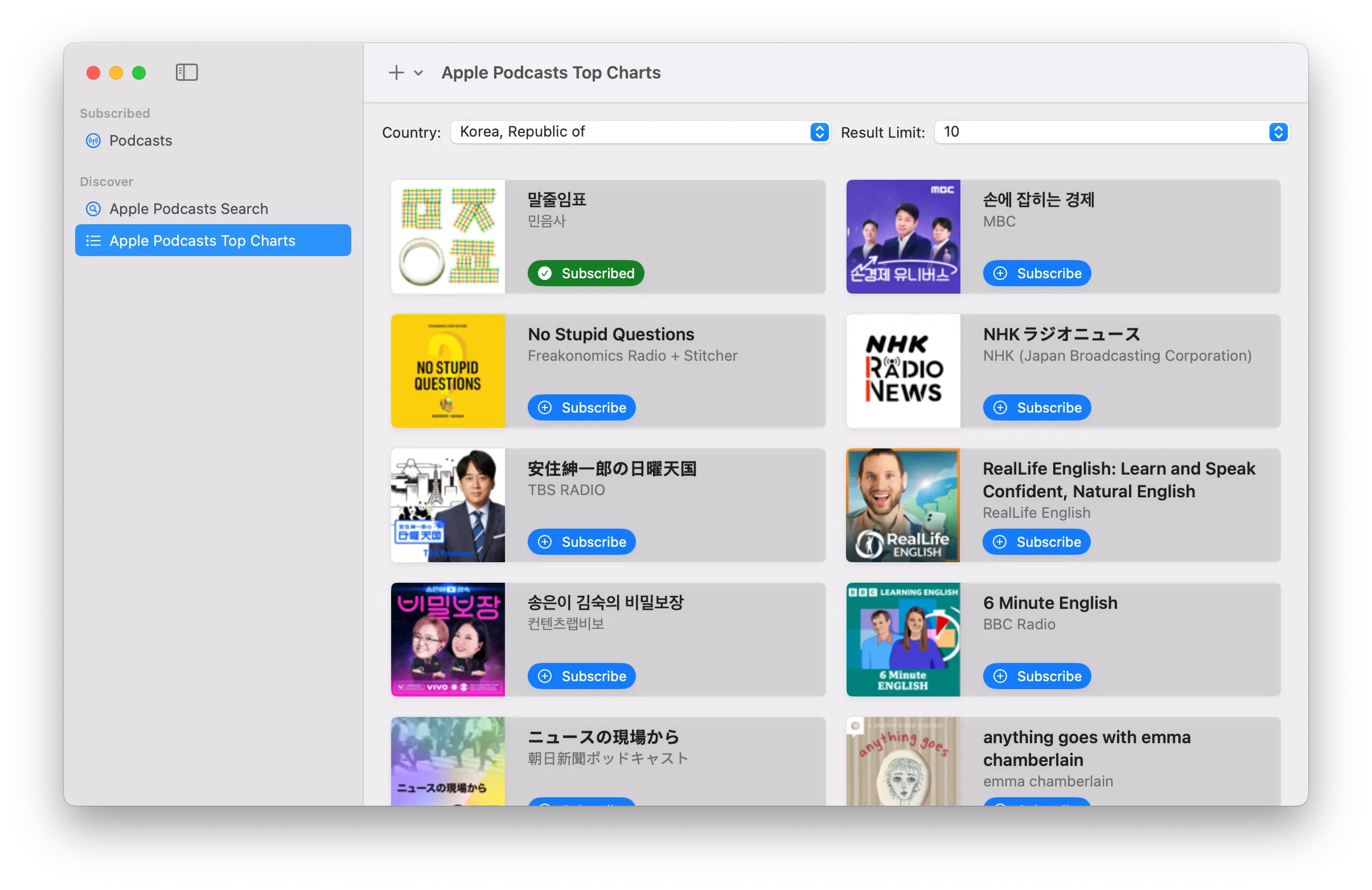
DintCast support adding podcast with URL ⌘+⇧+n, or search and subscribe podcast in Podcasts & Discover ⌘+⇧+0.
Add Radio
Add a Station Manually – Add any radio stream URL directly into DintCast.
Radio station can be added by entering URL manually(
⌘+⌥+n).
Manage Podcasts and Radios
Subscribed podcasts and radios can be found in Podcasts & Discover window.
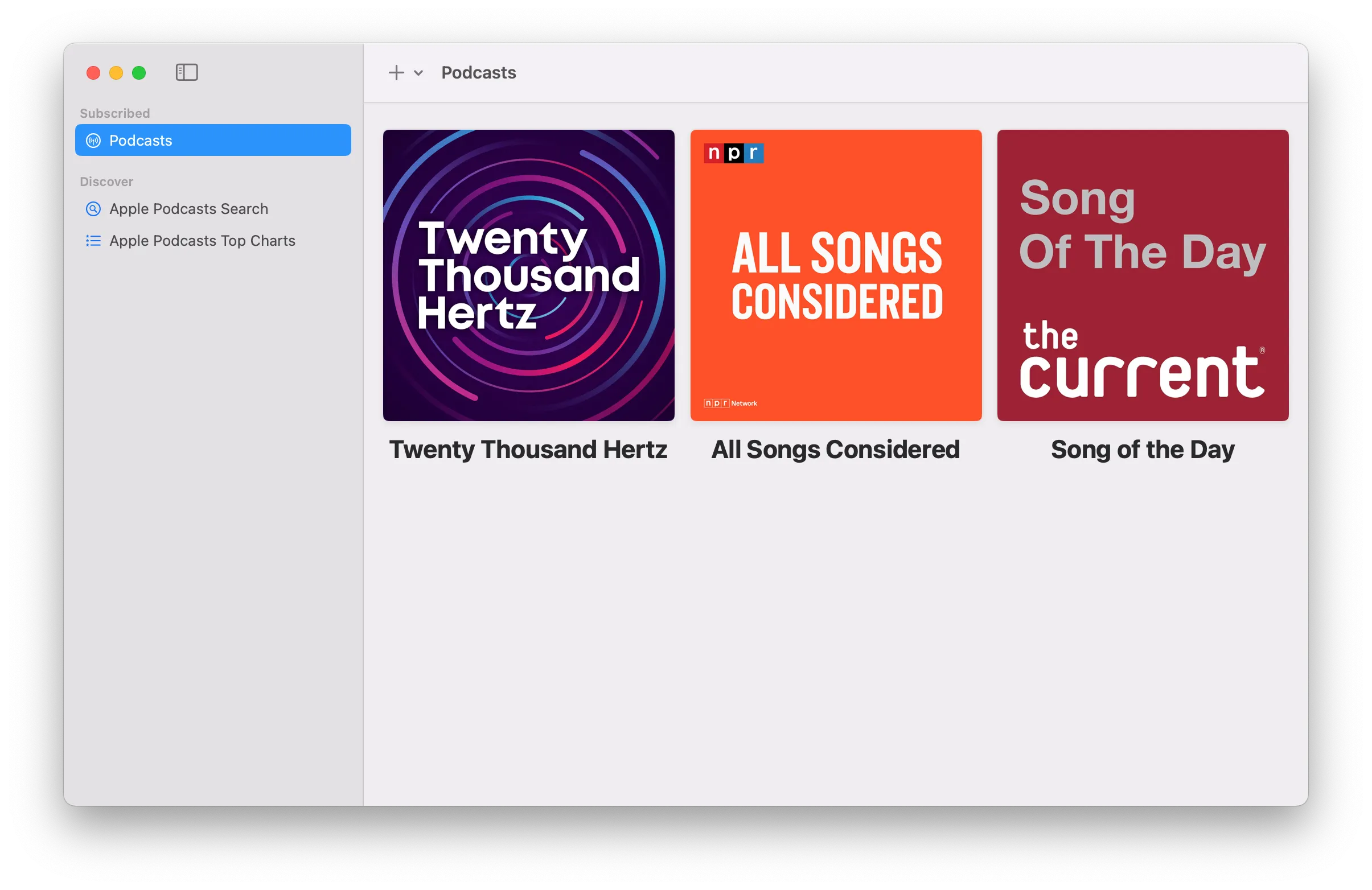
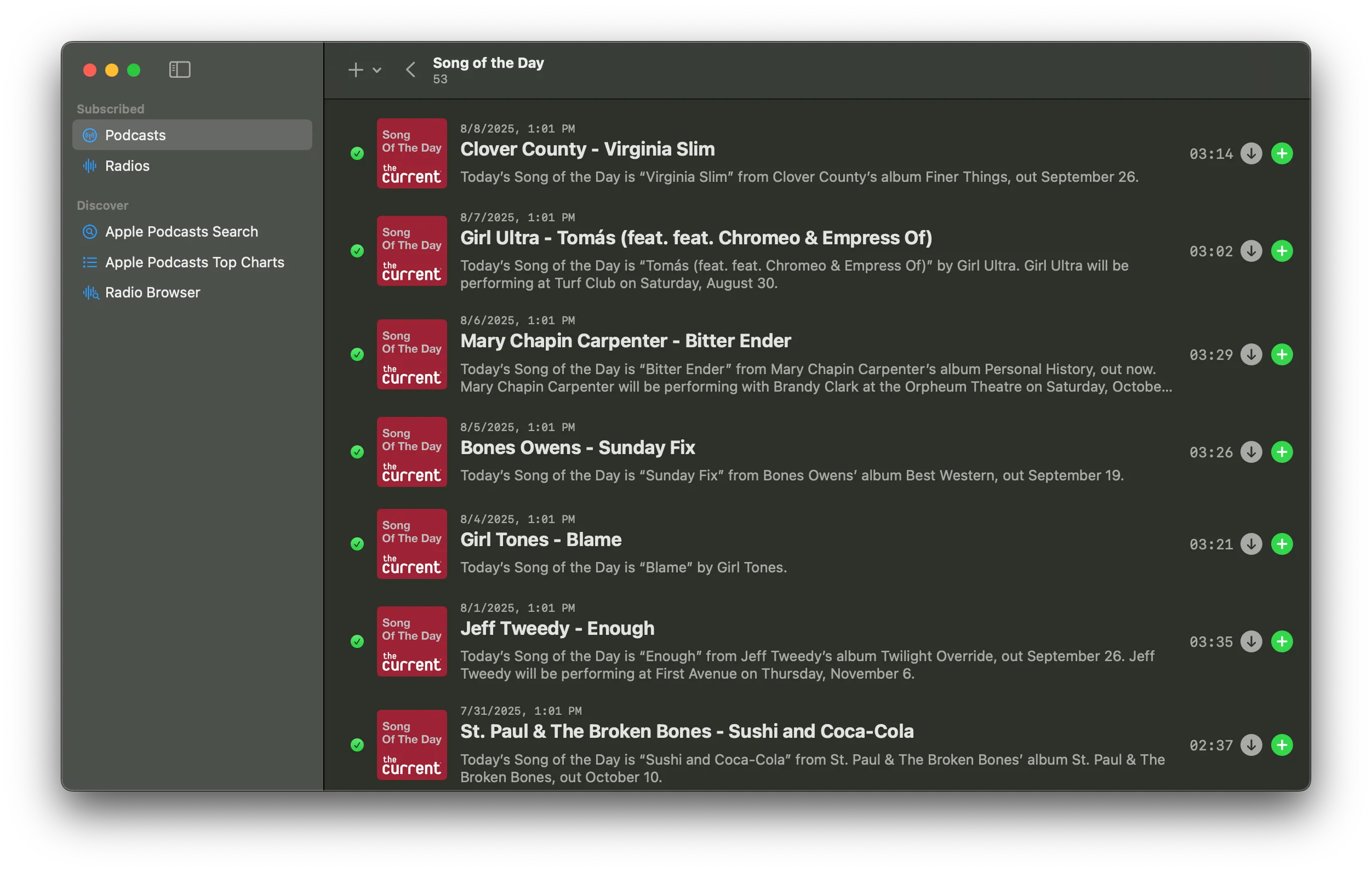
Double click on a podcast to open and list all episodes of it.
Search
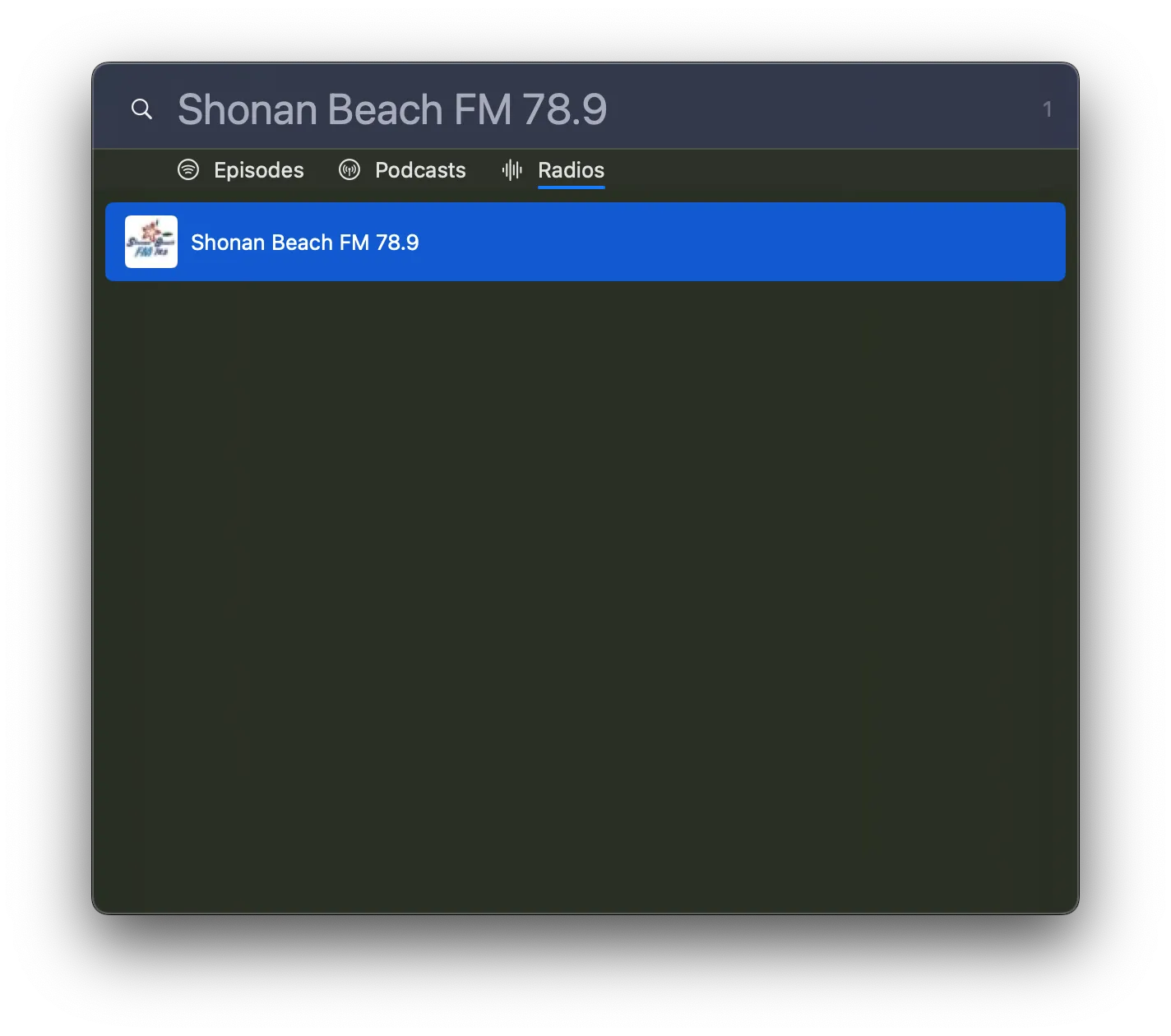
Currently DintCast support search ⌘+/ episodes, podcasts, radios by title.
Playback
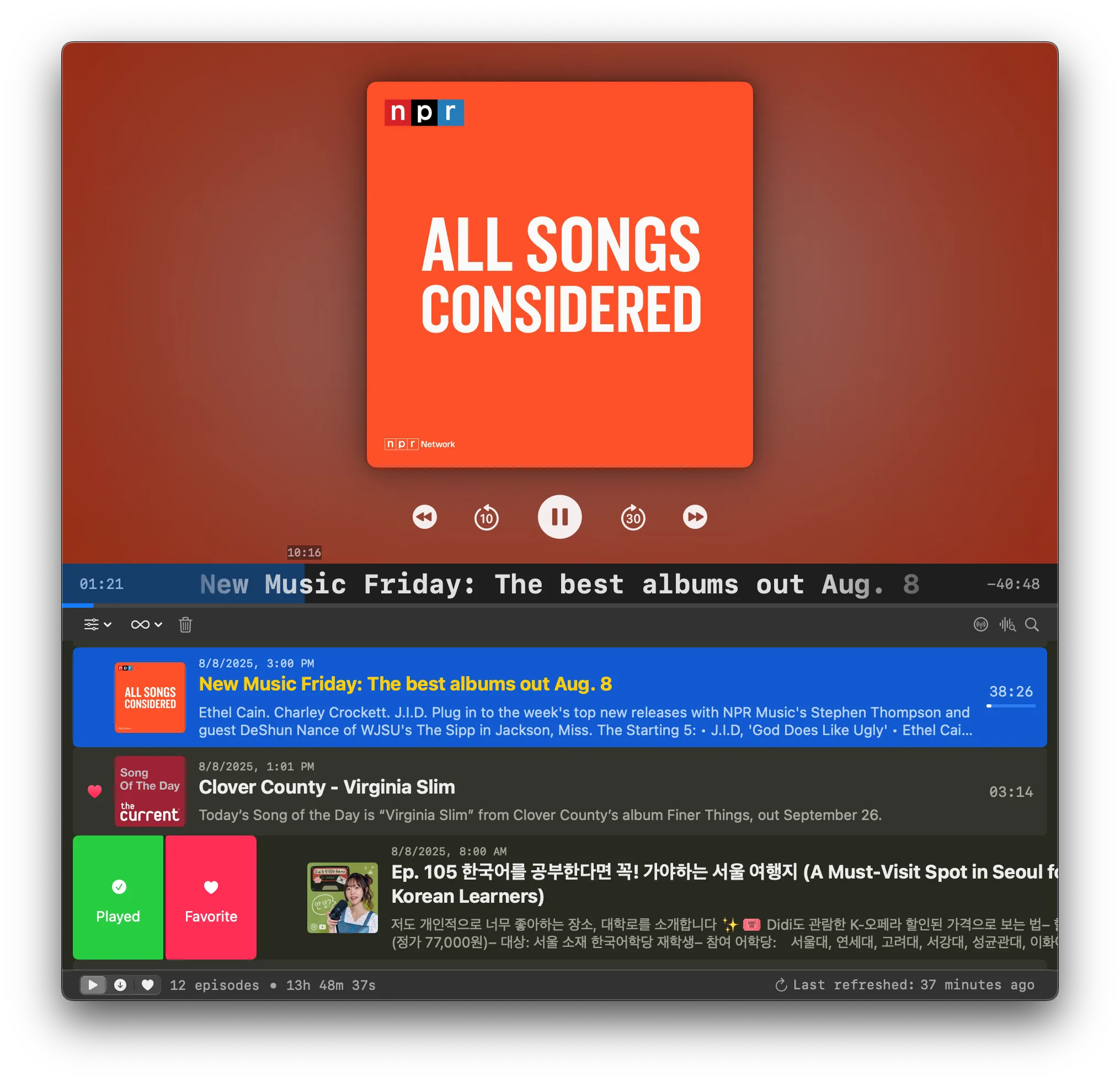
In main window, there is a big area for currently playing on top, with some basic playback buttons; the bottom is the main playlist showing the episodes in queue to play.
Keyboard Shortcuts
Playback
Spaceto play or pausemto mute/unmute⌘+⏎to play current selected episode in playlist⌘+.to stop play⌘+dto download selected episodes⌘+]to play next episode⌘+[to play previous episode
Search
⌘+/to toggle search window⏎to perform action on selected search result⌃+jto select next search result⌃+kto select previous search result⌘+1to search episodes⌘+2to search podcasts⌘+3to search radios
Other
⌘+⇧+nto add new podcast⌘+⌥+nto add new radiofto favorite/unfavorite⌘+rto refresh subscribed podcasts⌘+1to navigate to playlist in main window⌘+2to navigate to download list in main window⌘+3to navigate to favorite list in main window