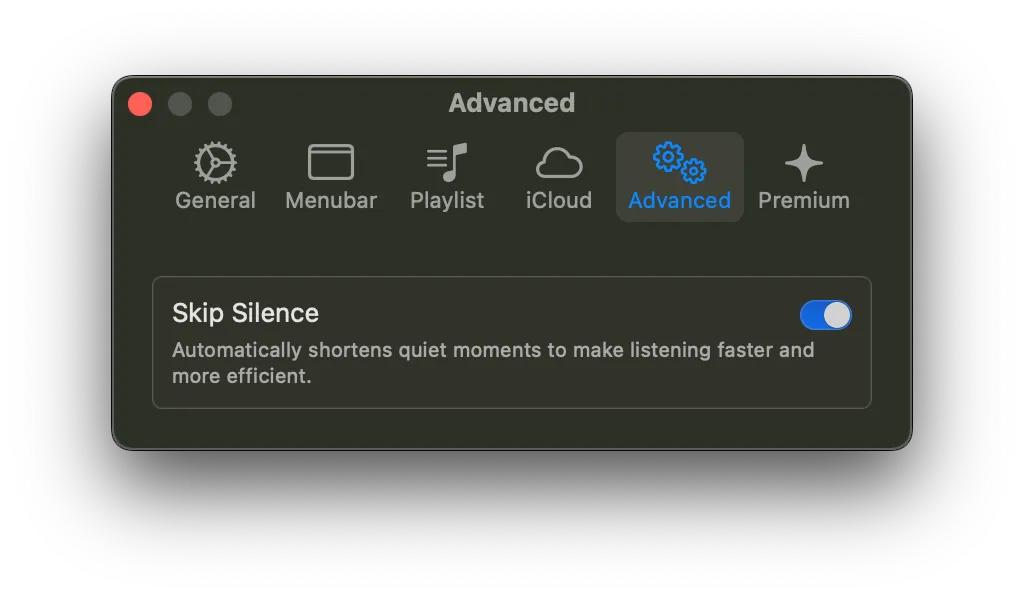
Silence Skip
Starting from v1.6, DintCast introduces support for Skip Silence, making your listening experience faster and more efficient.
What Skip Silence Does
Automatically shortens silent segments during playback, helping you save time and stay focused.
Skip Silence for the Current Episode
You can quickly enable or disable Skip Silence for the currently playing episode directly from the Now Playing screen.
Simply open the configuration menu in the player and toggle the setting.
💡 When enabled per episode, this setting applies only to the current episode and will reset based on your global preference for the next one.
Global Setting (Premium)
Premium users can enable Skip Silence as a default behavior for all episodes.
Go to:
Settings → Advanced
Then turn on Skip Silence.
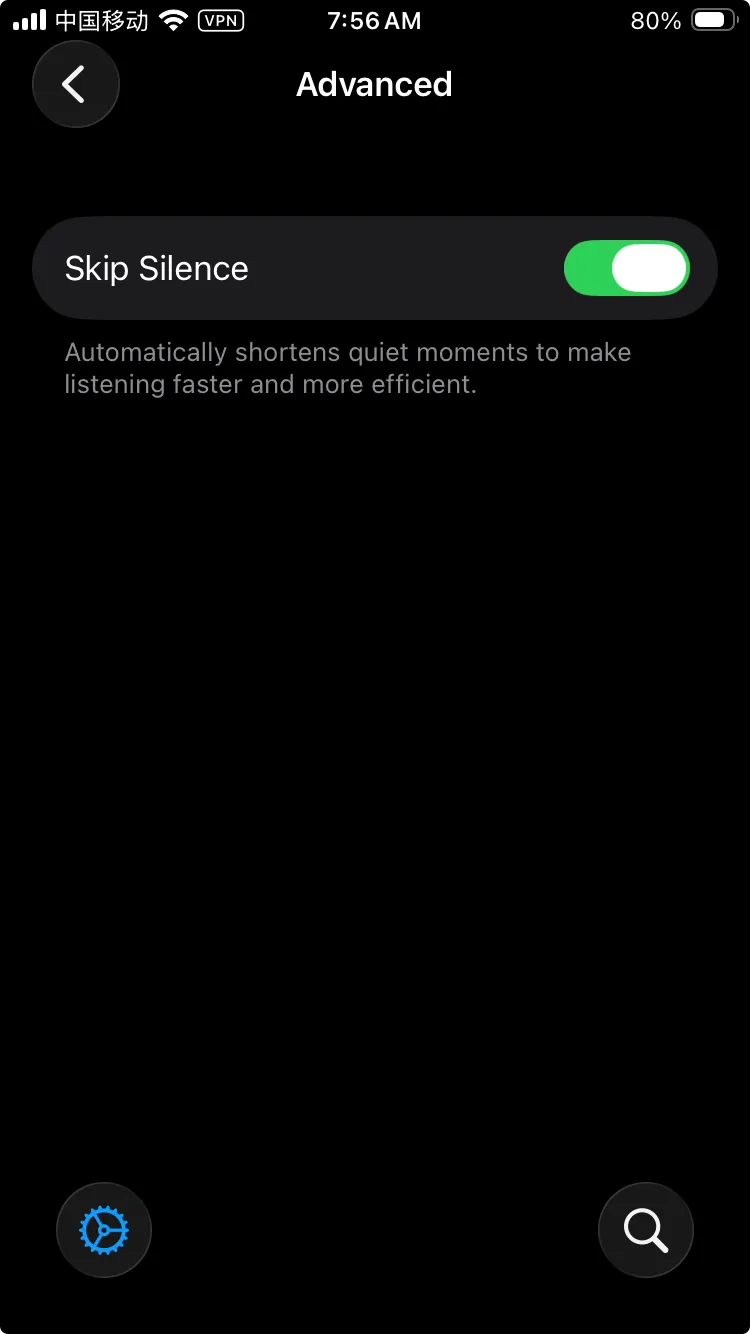
Go to:
Settings → Advanced
Then turn on Skip Silence.